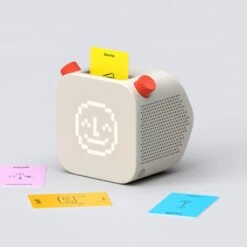
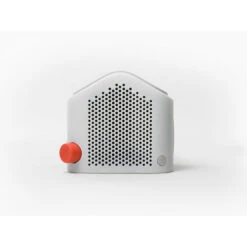
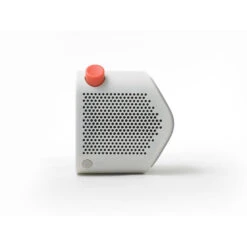
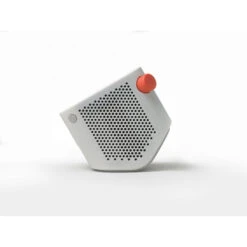
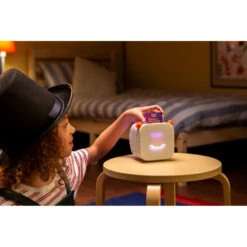
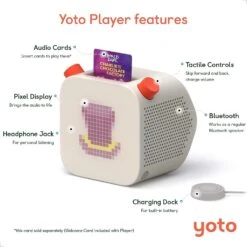
Yoto Player – Kids Audio Player – Children’s Speaker Plays Audio Cards Of Bestselling Audiobooks, Music, Educational Activities
Original price was: $89.99.$62.99Current price is: $62.99.
- The home of quality products.
- Safeguard Your Shopping Experience
- Green products, guaranteed.
- High quality products, low prices.
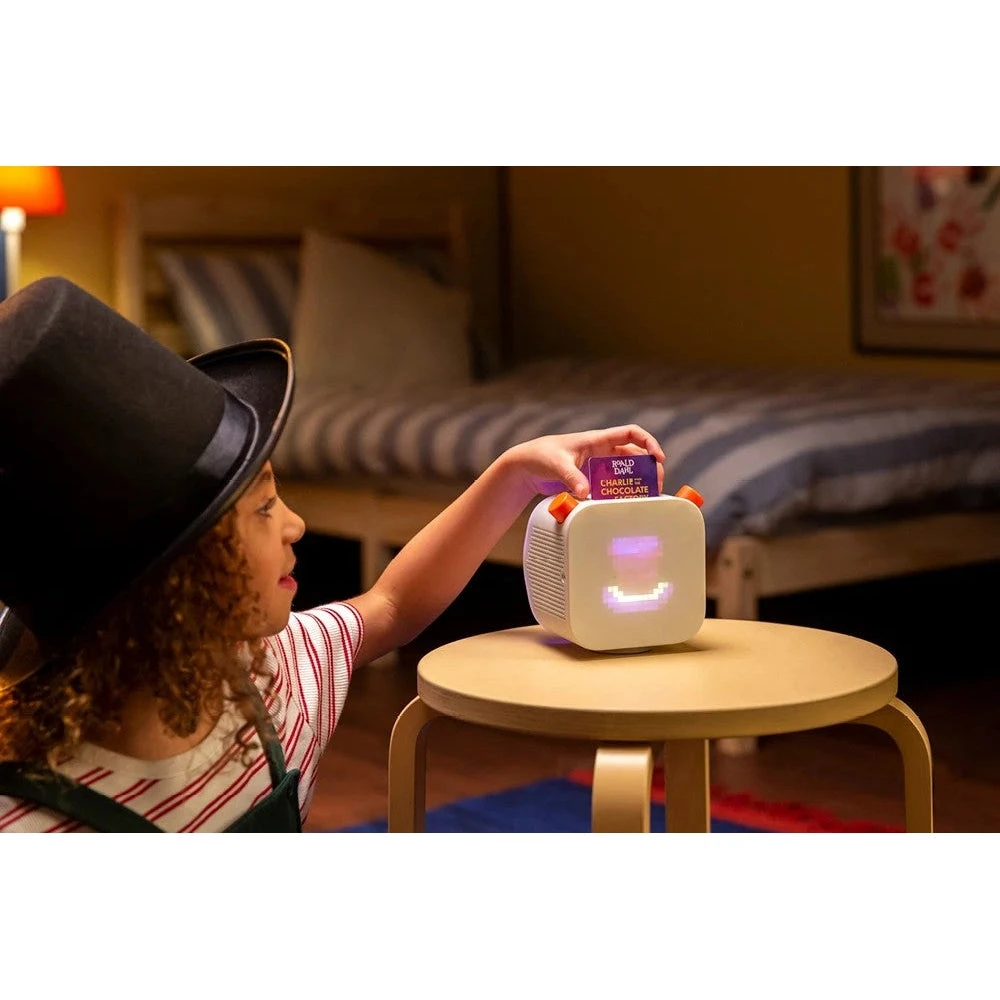
Yoto offer an incredible library of cards to play on your player that are suitable to be listened to from birth to 12 years old+, from popular authors including Julia Donaldson to Judith Kerr, classical tales by Hans Christian Anderson and E Nesbit… to educational programs including phonics and mathematics…. and so much more!
There’s also a world of audio you can listen to for free! Simply press the right-hand button on your player to get started!
Press once for the Yoto Daily podcast, and twice for Yoto Radio! Other free features include choosing your wake up and bedtime time displays, customising the colour of the nightlight and making your own card – you can even add home recorded songs and stories!
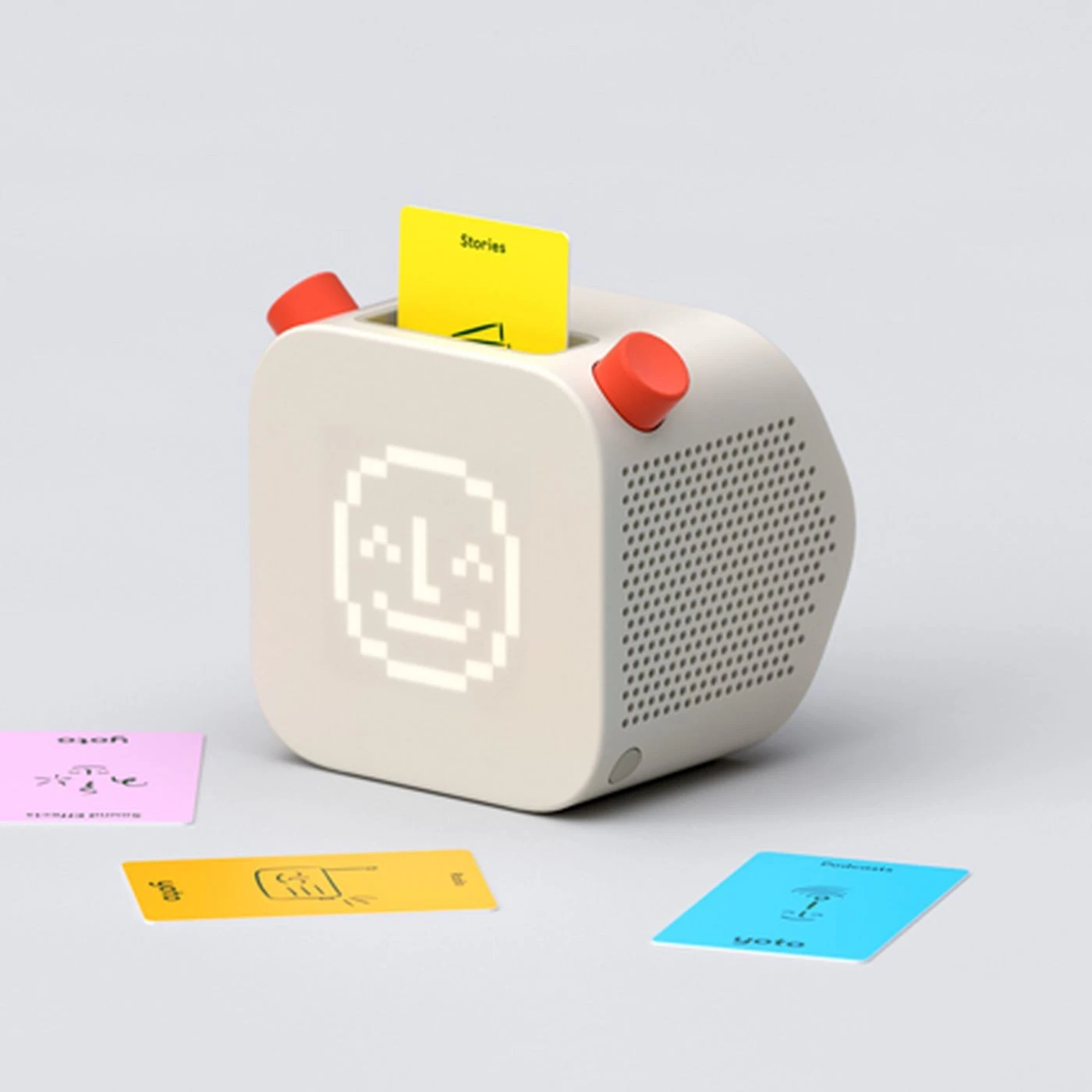
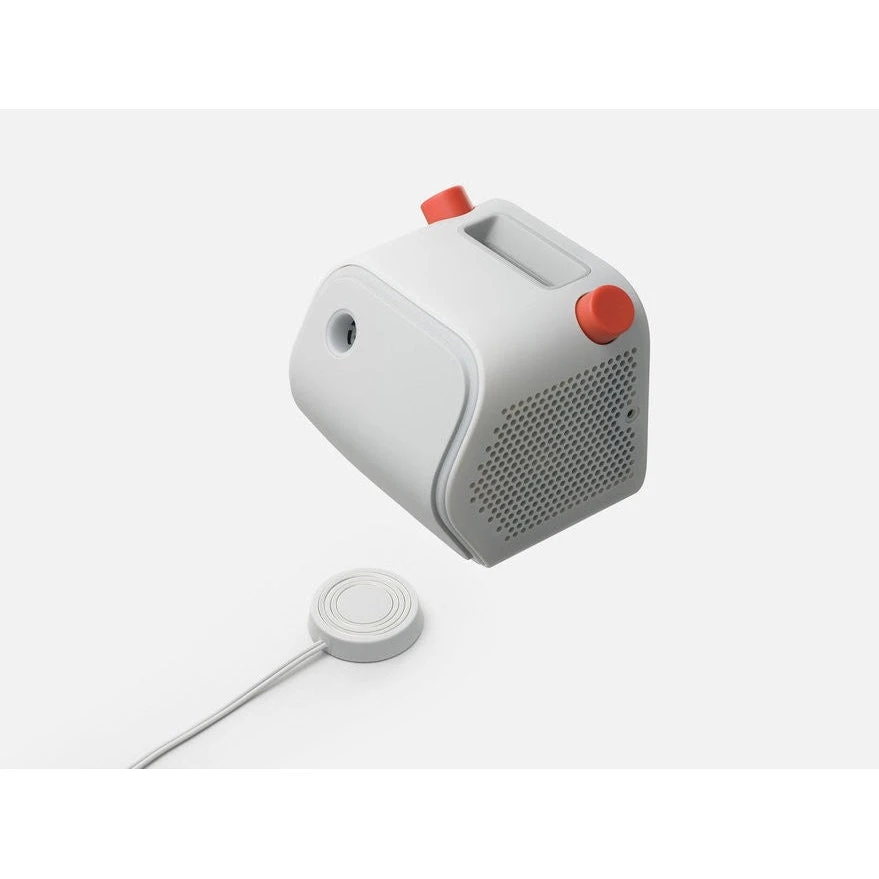
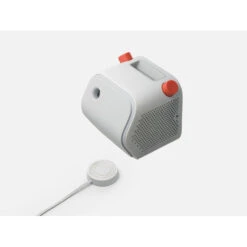
What’s in the box? Yoto Player, Magnetic Yoto Charging Dock (5.4 foot (1.65 m) cable length, Welcome Card, Setup Guide
The Yoto Player also has these fantastic features!
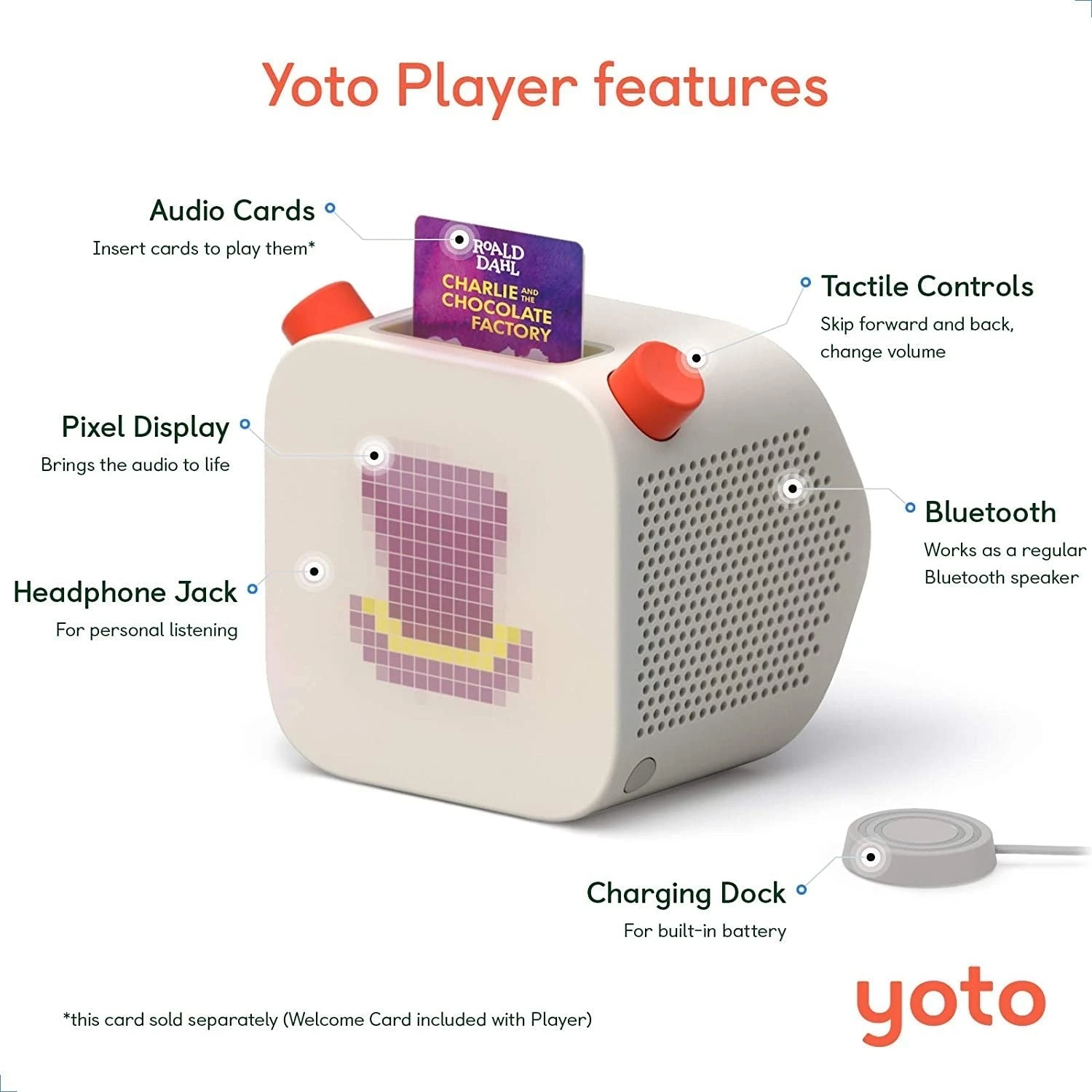
Built in battery for portable play, and a clever magnetic dock to re-charge.
A simple matrix pixel display brings the audio to life (and tells the time!)
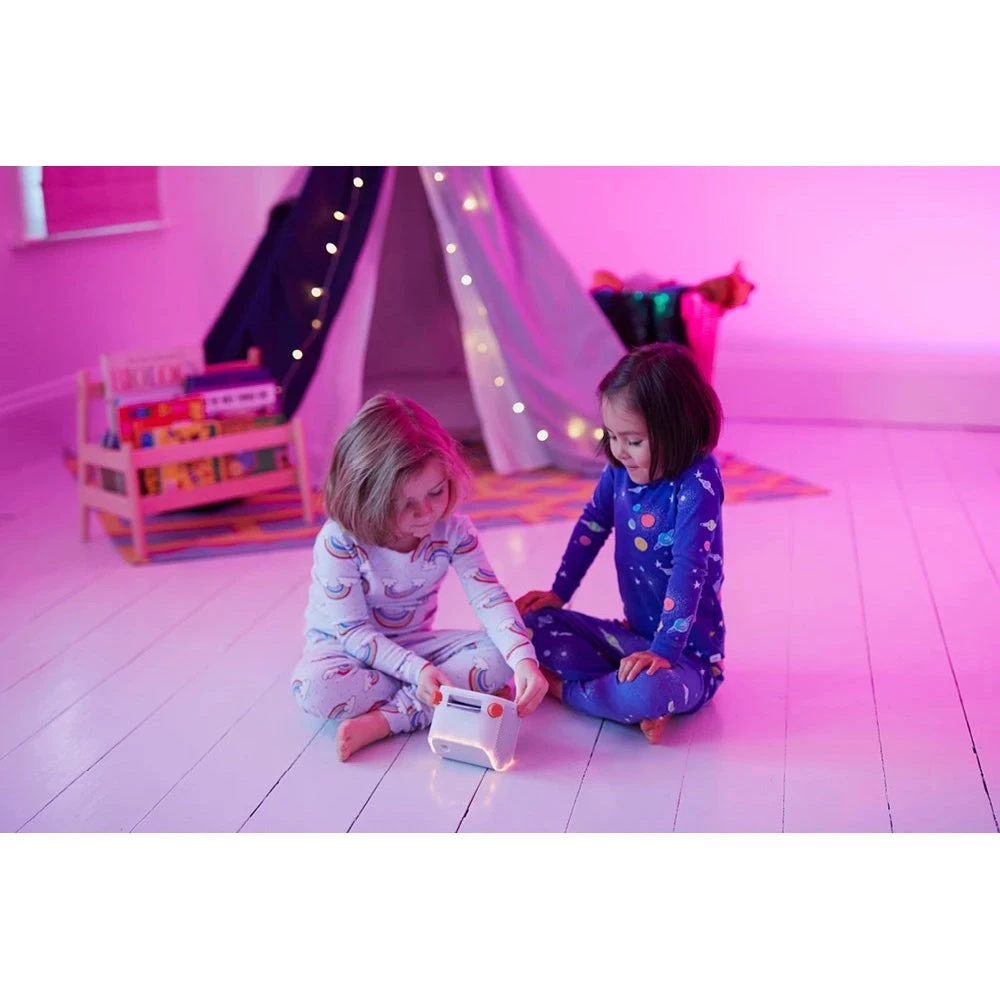
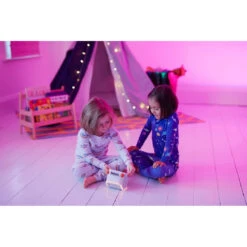
Designed for flexible play around the home.
A parents’ app to manage settings behind the scenes.
Free content, new every-day podcasts, radio, and Yoto Daily podcast.
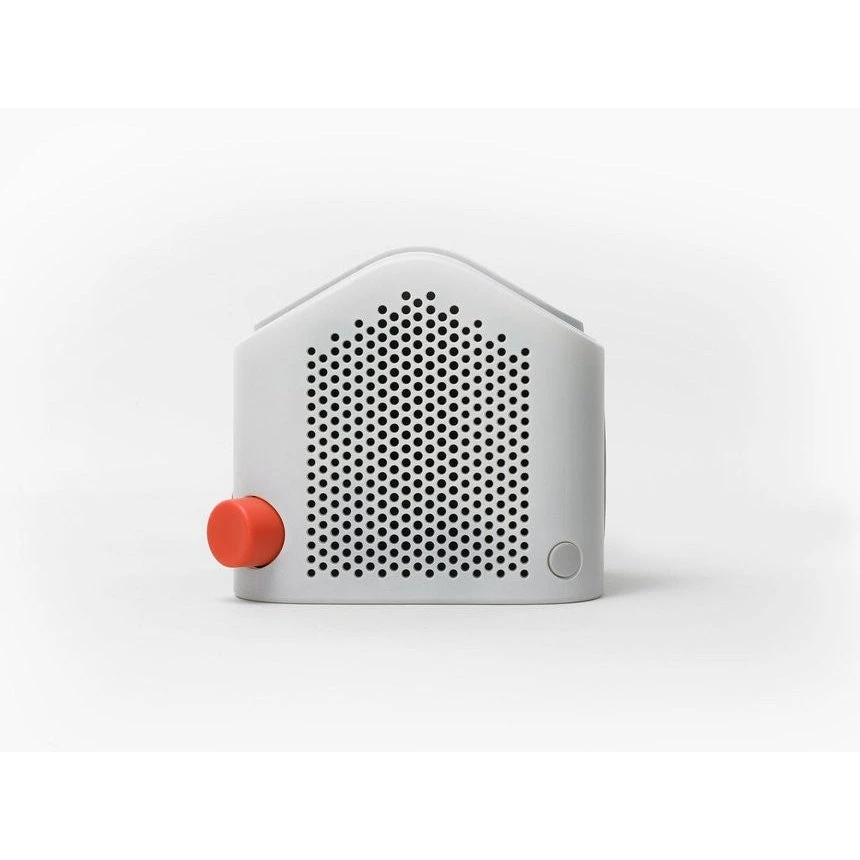
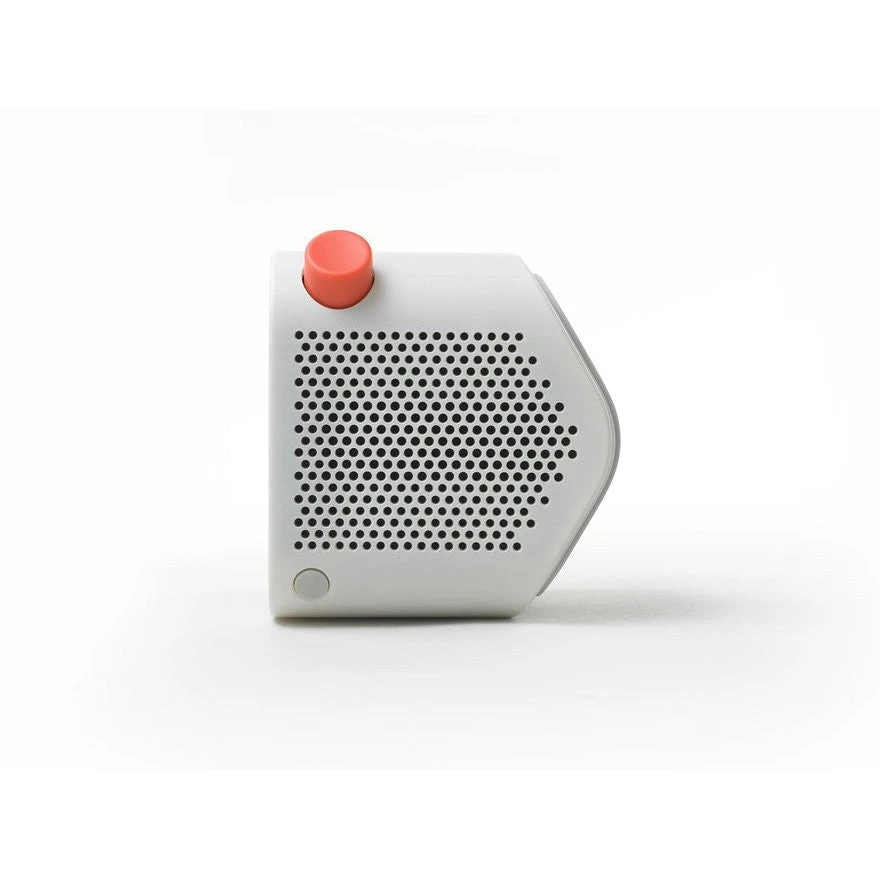
Use Yoto Player as a regular Bluetooth speaker.
What is Yoto Daily? It is a new piece of exclusive audio, delivered to your Player every day. Press the right-hand button once on your Player (with no card in) to enjoy it!
What is Yoto Radio? It is the in-house kids radio station you can listen to for free. Simply press twice the right-hand button on your Player to enjoy it!
How do the clocks work? Choose a clock for your Player and set the night-time and day-time, to display the sun or moon at the right time for your child. You can also customise other features like Nightlight colour, all by navigating to ‘Player Settings’ in the app. You will have to have completed setup of your Player to begin customising features.
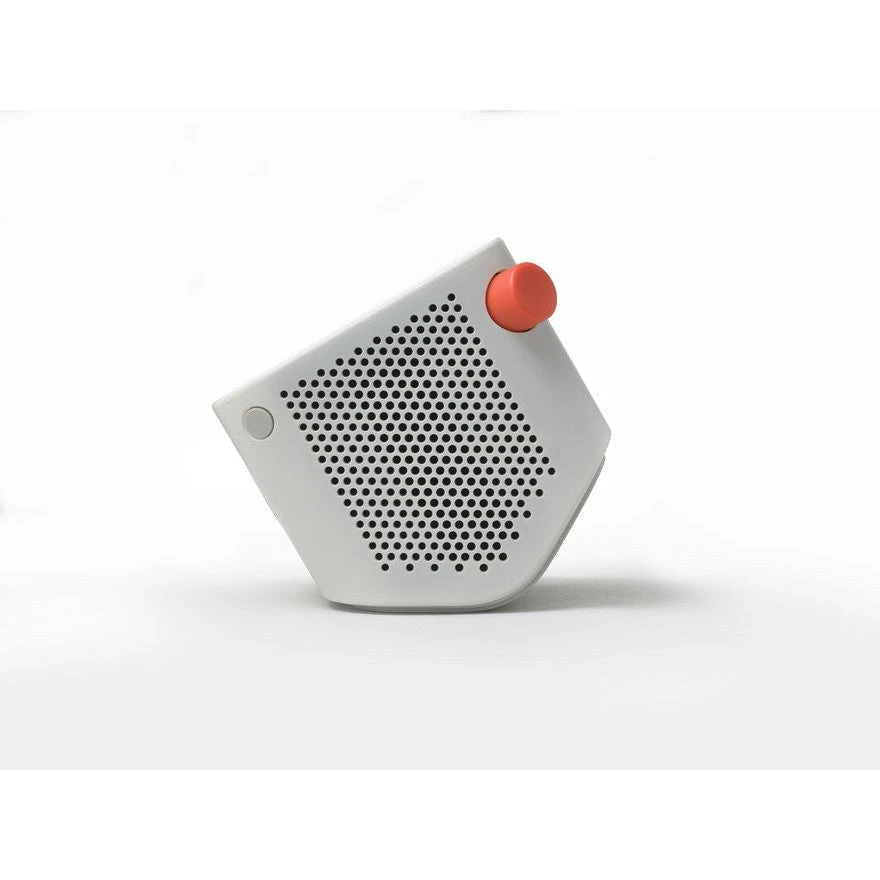
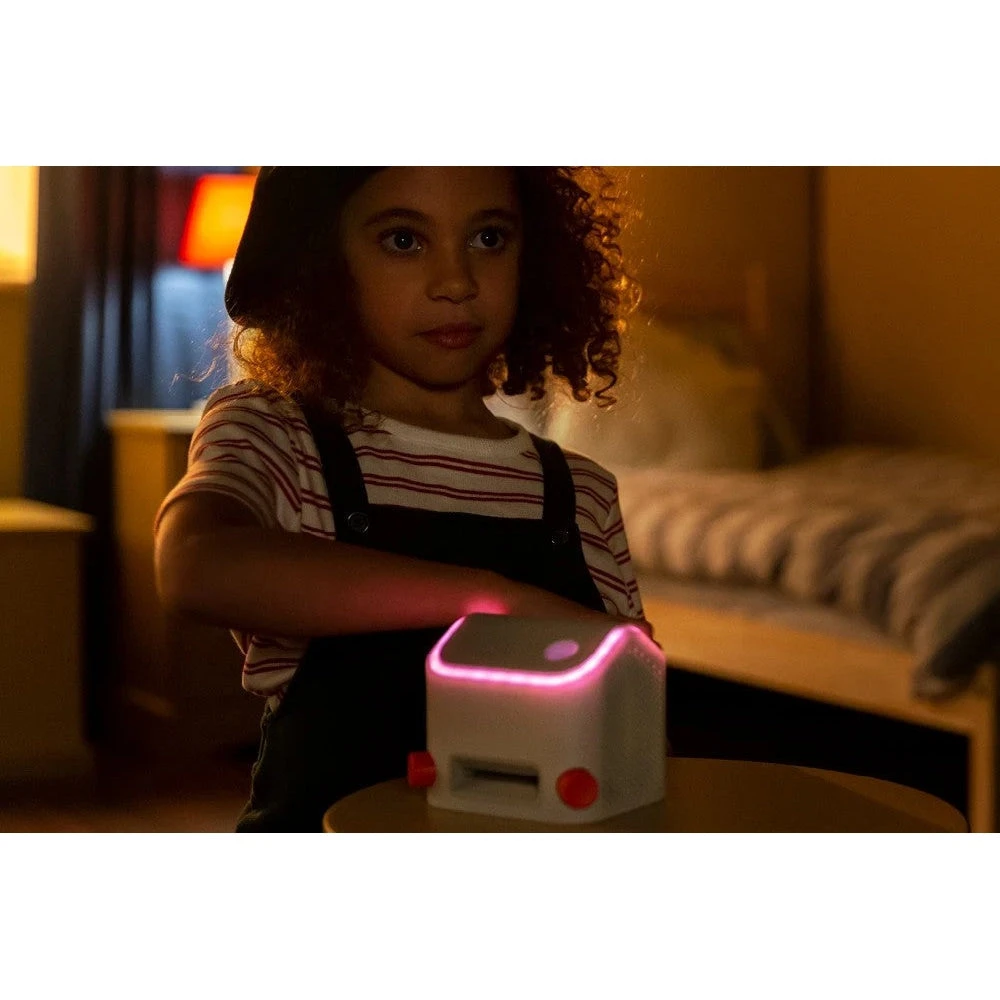
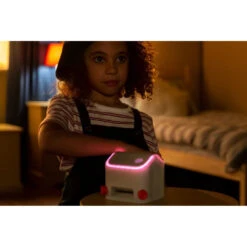
How does the nightlight work? Turn your Yoto Player onto its front – and be careful only to do this on a friendly surface like a bedside table, not the floor! – this will turn on the nightlight. To turn the nightlight off, just stand Yoto Player upright again.
How do I make my own card? Once you have set up your Player, you can use the Welcome Card as a blank card to upload your content and Make Your Own Card. Visit your Yoto Player mobile app to begin. You can also buy additional Make your Own cards.
Does the Yoto Player require WiFi? Yes, you need WiFi in order to setup Yoto Player. When you insert a Yoto Card into Yoto Player it downloads the content from our server. Once it has downloaded the content, then it can be used without being connected on future occasions*. The player has up to 140 hours/ 8Gb of audio storage.
*Note that there is currently no way to disconnect the player from the WiFi manually.
How do you set up the Yoto Player? Download the Yoto App for iOS or Android which will guide you through our very quick setup process. It normally take only a few minutes to get Yoto Player up and running!
What age is the Yoto Player suitable for? Yoto Player is suitable for use by anyone aged 3 and over. However the content library contains cards suitable for children from birth to 12 years old.
Be the first to review “Yoto Player – Kids Audio Player – Children’s Speaker Plays Audio Cards Of Bestselling Audiobooks, Music, Educational Activities”
Related products

Reviews
There are no reviews yet.